GelaSkins decals

A few days ago I got a fancy new decal for my iPhone and I love it. It's made by a company called GelaSkins. You can even upload your own picture / logo on one.

It's made of some awesome 3M Material that makes it easy to apply and remove from the phone. The really cool part is the custom wall-paper so that when the phone is locked you see the continuity of the artwork. GelaSkins remind me a lot of Threadless (awesome t-shirts).

110_eBoy_NYC_500-white.jpg
I might have to get an iPad one next. I like the The Great Wave

Google Wave and Architecture Astronauts

Today Google killed Wave. I can't say I'm surprised. I sent a Wavelet to some of my colleagues back in May declaring Wave dead. I can't even remember what sparked me to write that but there were a series of telling signs through the course of Wave's life that it was going to die.

One if the bigger FAIL moments for me was when I logged into Wave one day and I saw a new "Junk Mail" folder. All I could think to myself is that Google managed to invent a brand new way to communicate, something better than what we have today, and before it was even a real thing, they felt they needed to have a Junk folder, indicating that the world of spam was certain to be a part of this brave new world. It seemed weird, and pre-mature... after all, you could hear crickets when you were using that product, who was sending Wave spam?

Anyway, if you go back and read Joel's excellent piece on Architecture Astronauts, you'll realize that the Astronauts lost this round. Wave didn't do any one thing particularly well, and it tried to do things that we already have today that we are generally getting by with just fine. Shutting down a product is not an easy thing, so Google deserves credit for putting this thing out to pasture. But I think it's a pretty big blow given the hype around Wave not to long ago. My guess is that this will set the tone for how new "radical innovations" will be perceived in the future. It's hard to compete with e-mail.

Dishwasher detergent, phostpate free

A rather unusual topic for my blog… but I do a lot of research on the stuff I use, even dishwasher detergent.

Recently in Washington State, new regulations were passed that limit the amount of phosphates that can be used in dishwasher detergent (and soon coming to a state near you). Why? Something about the fact that phosphates do a dammed good job of getting food and junk off your dishes, but cause Algae to grow where it isn’t supposed to affecting the balance of nature that I am sure is probably causing global warming and killing animals.

Like a good Program Manager, I am going to get ahead of this situation rather than end up with etched wine glasses, and dirty dishes.

My previous go to dishwasher detergent were the Finish tabs. They are an all in one rinse agent and detergent in a little cube. Very convenient and I’ve used those for 7 or so years without any complaints (well except for the annoying plastic wrapper). Unfortunately, those have phosphates. A few months ago I tried Seventh Generation dish tabs, but they cause my wine glasses to get etching, and let’s face it, I’m not about to start hand washing…. The Dishwasher is one of the greates inventions of the 20th century.

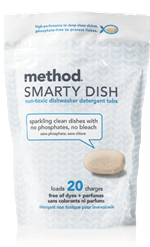
Enter consumer reports. I happen to be a subscriber, and read their reviews on dishwasher detergent and saw that they rate the method smarty dish tabs pretty highly.

Image002

I’ve been using these dish tabs for a few weeks now and am very pleased with the results (and no annoying wrapping paper per tab). I generally like method and use many of their products in our home (trying to use as many non-toxic cleaners as possible), so kudos to them for making an environmentally friendly detergent that doesn’t mess with nature as much.

And as usual, here is an Amazon plug so you can buy these detergent tabs in bulk.

Loll DESIGNS outdoor furniture made from milk jugs

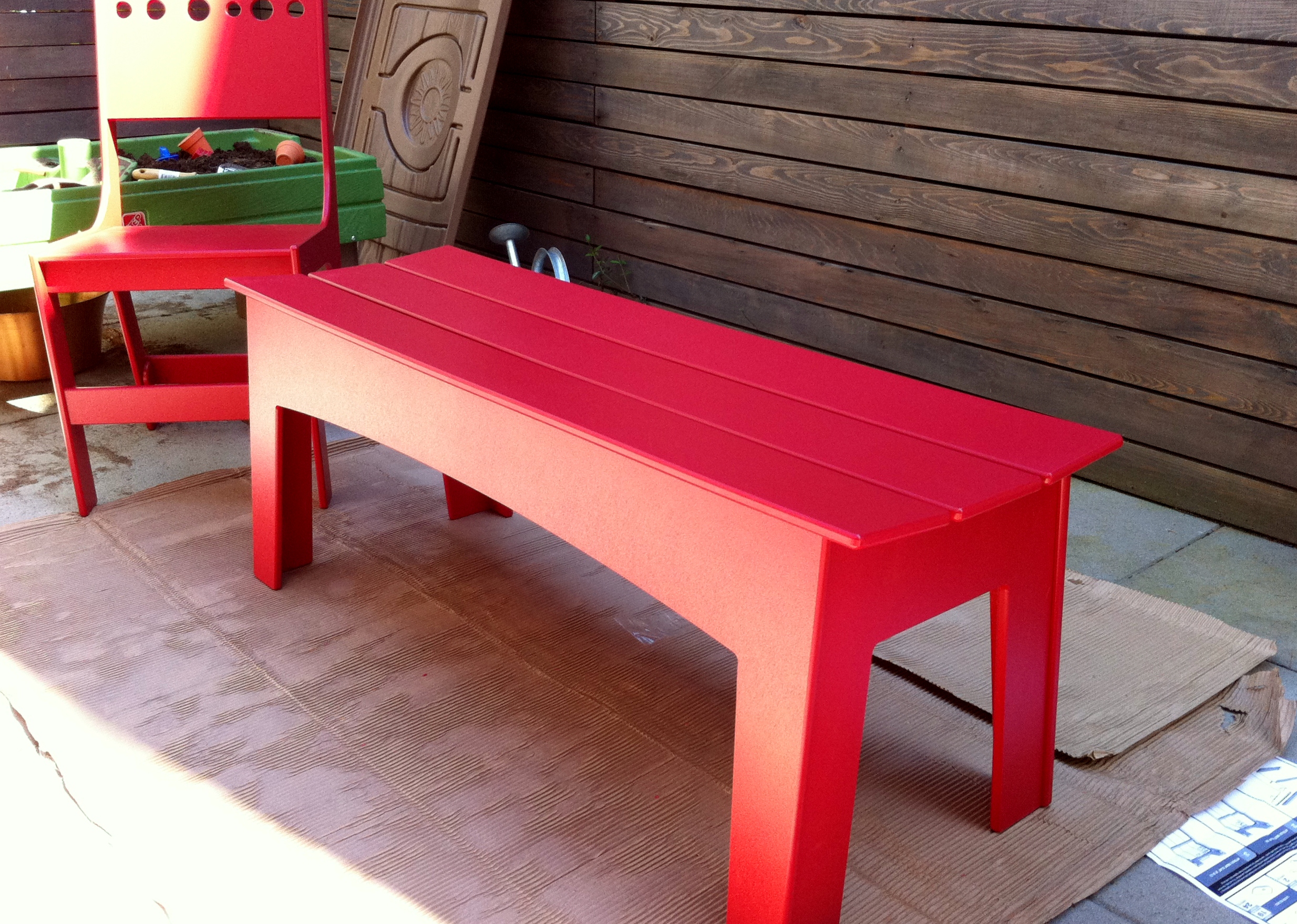
I love to point to companies and products that I use and love. A few months ago we began our search for outdoor furniture for our small patio in Seattle. In our previous house we had some teak furniture and I wasn't a big fan. I wanted something that I didn't need to maintain, could hose down and would't mold of fade. Also something that would not come apart in a few years.

I ran across a company called Loll DESIGNS in Minnestoa that makes outdoor (and other) furntiture made of recycled milk jugs. The furniture is all made after you order it and there is no inventory lying around. When the furniture is built, it gets shipped to you in fairly small boxes via FedEX.

My wife and I really liked the designs that they offer on their web site. Interestingly our favorite furniture store, Room & Board, carries a number of their items. So does Design Within Reach. They offer their furniture in many interesting shapes, sizes and colors.

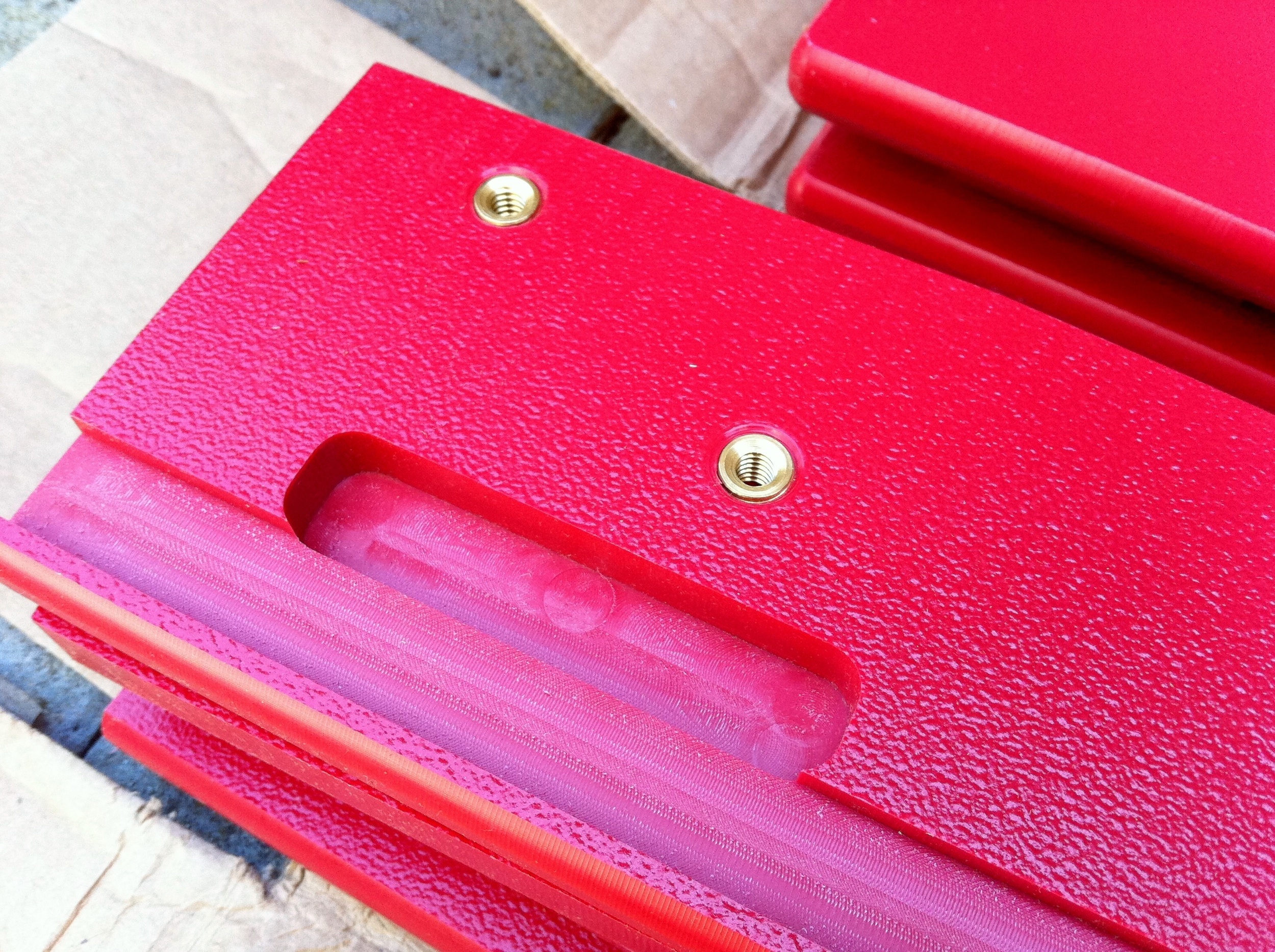
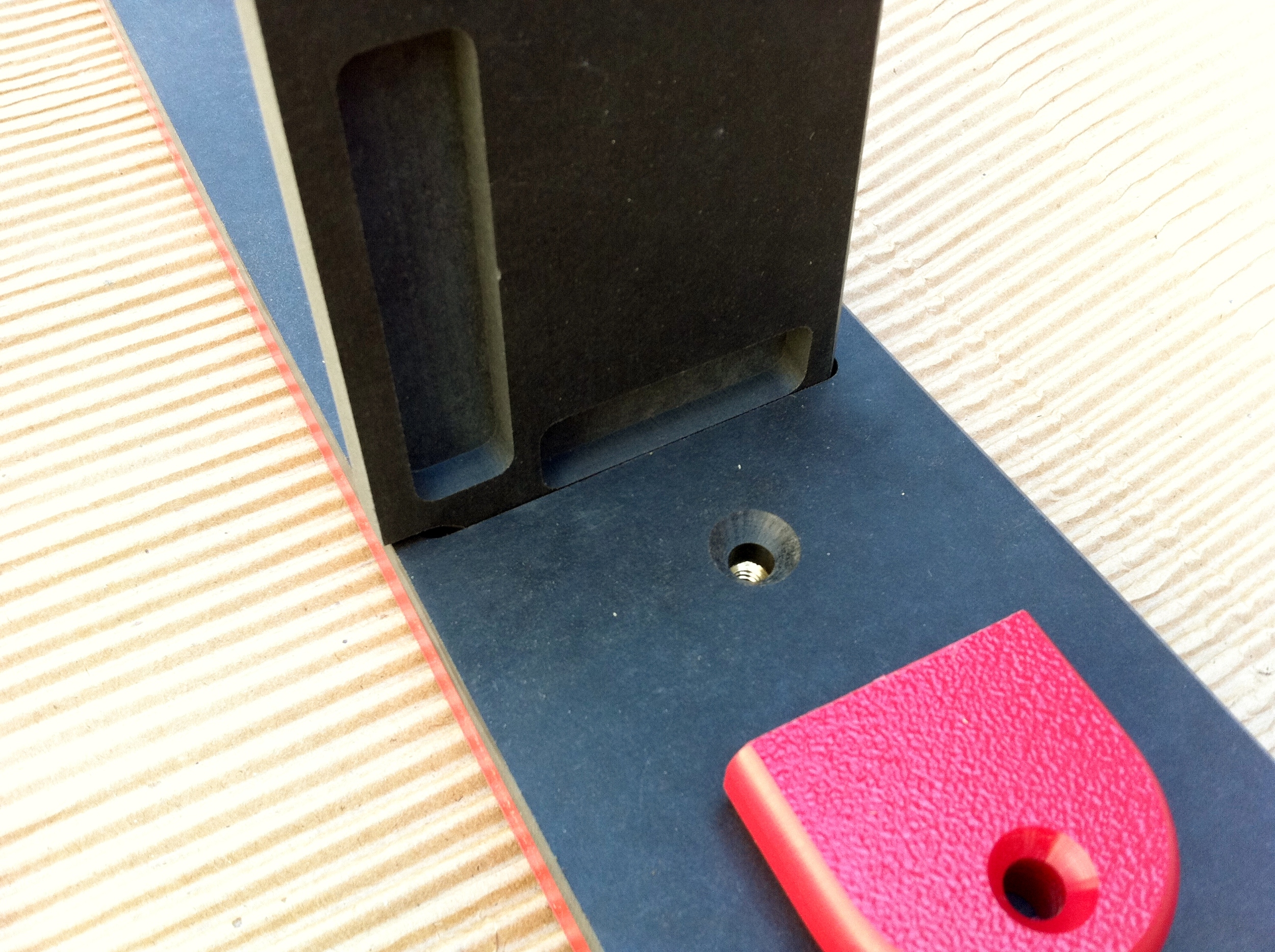
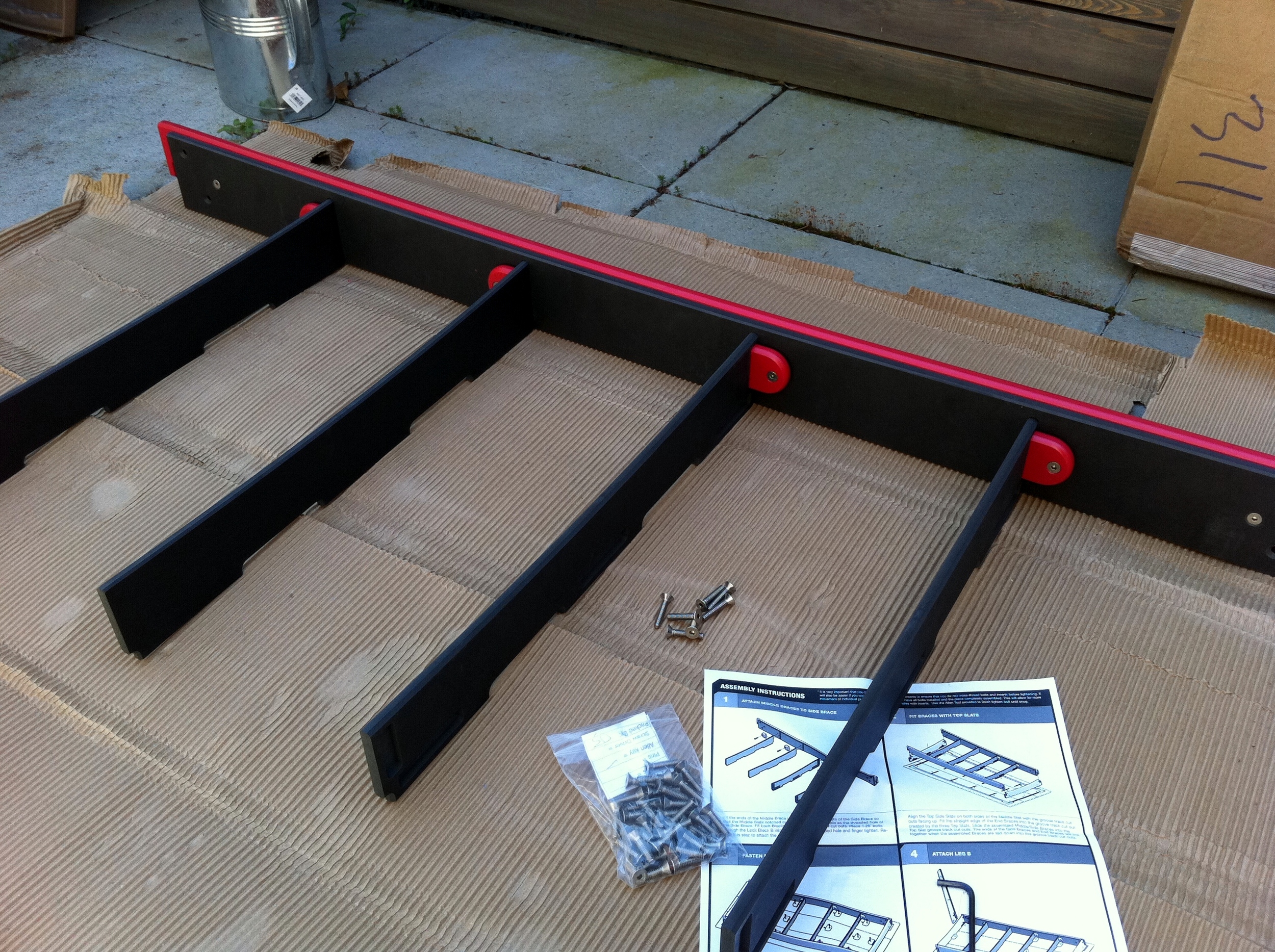
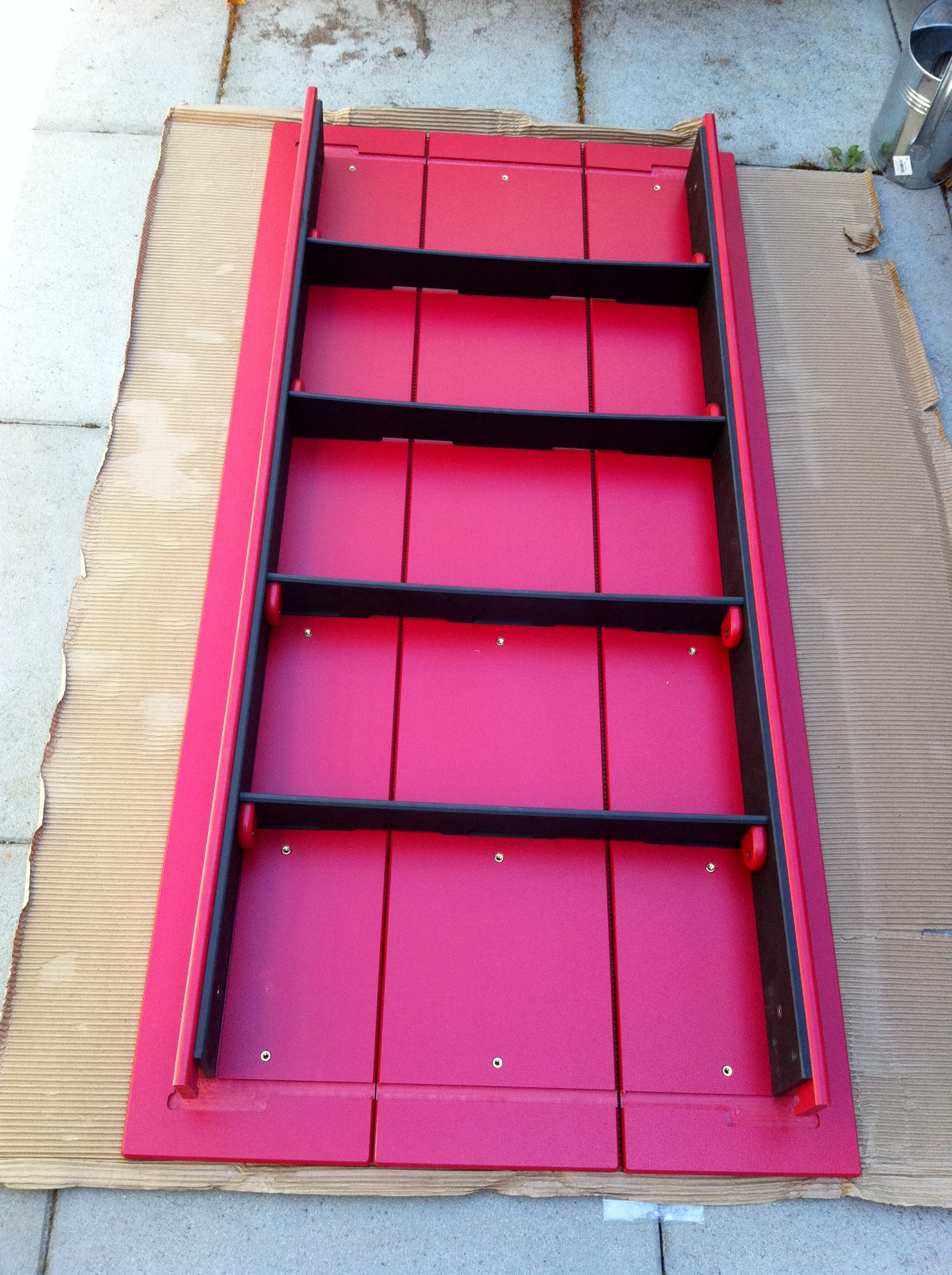
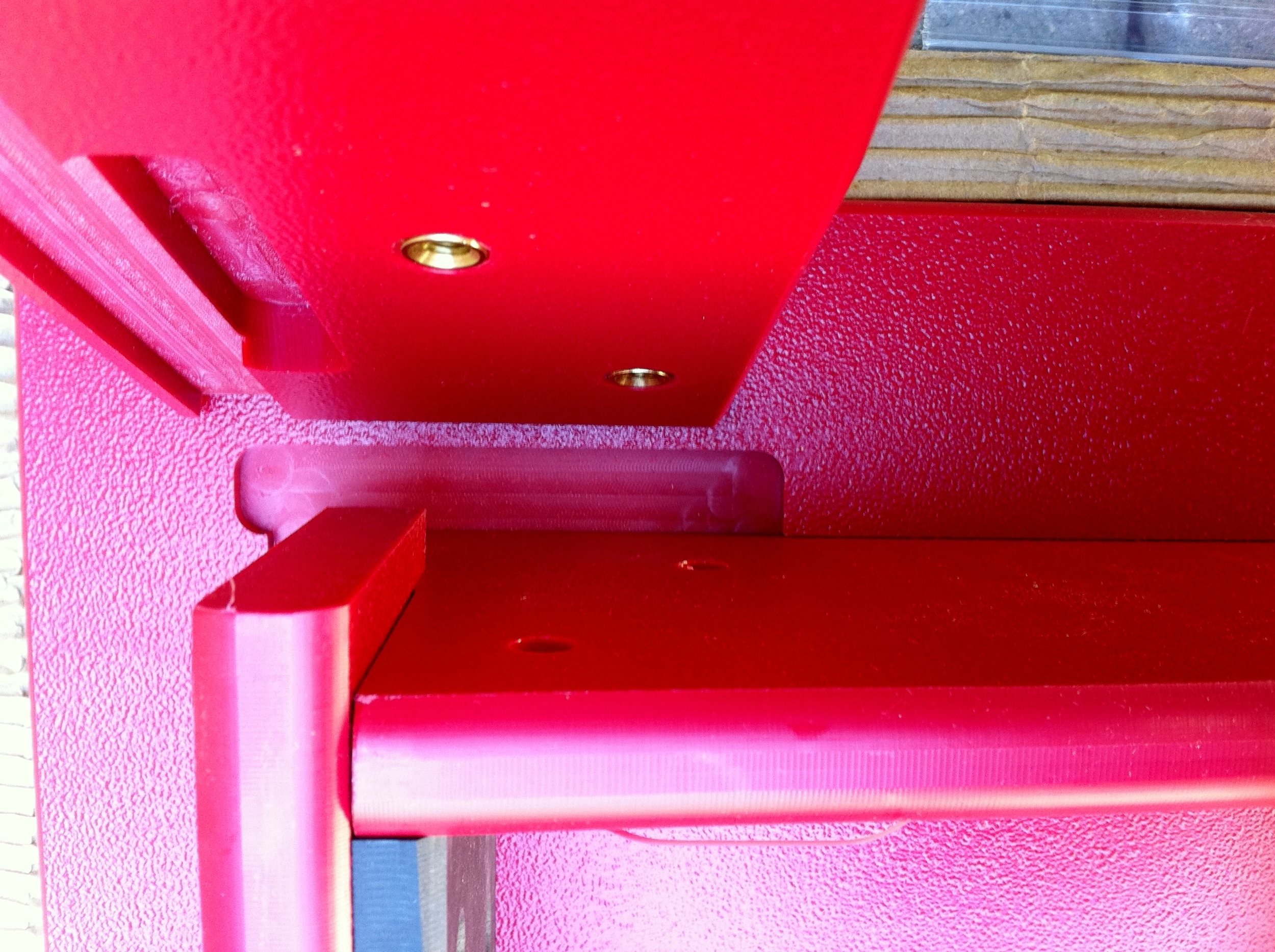
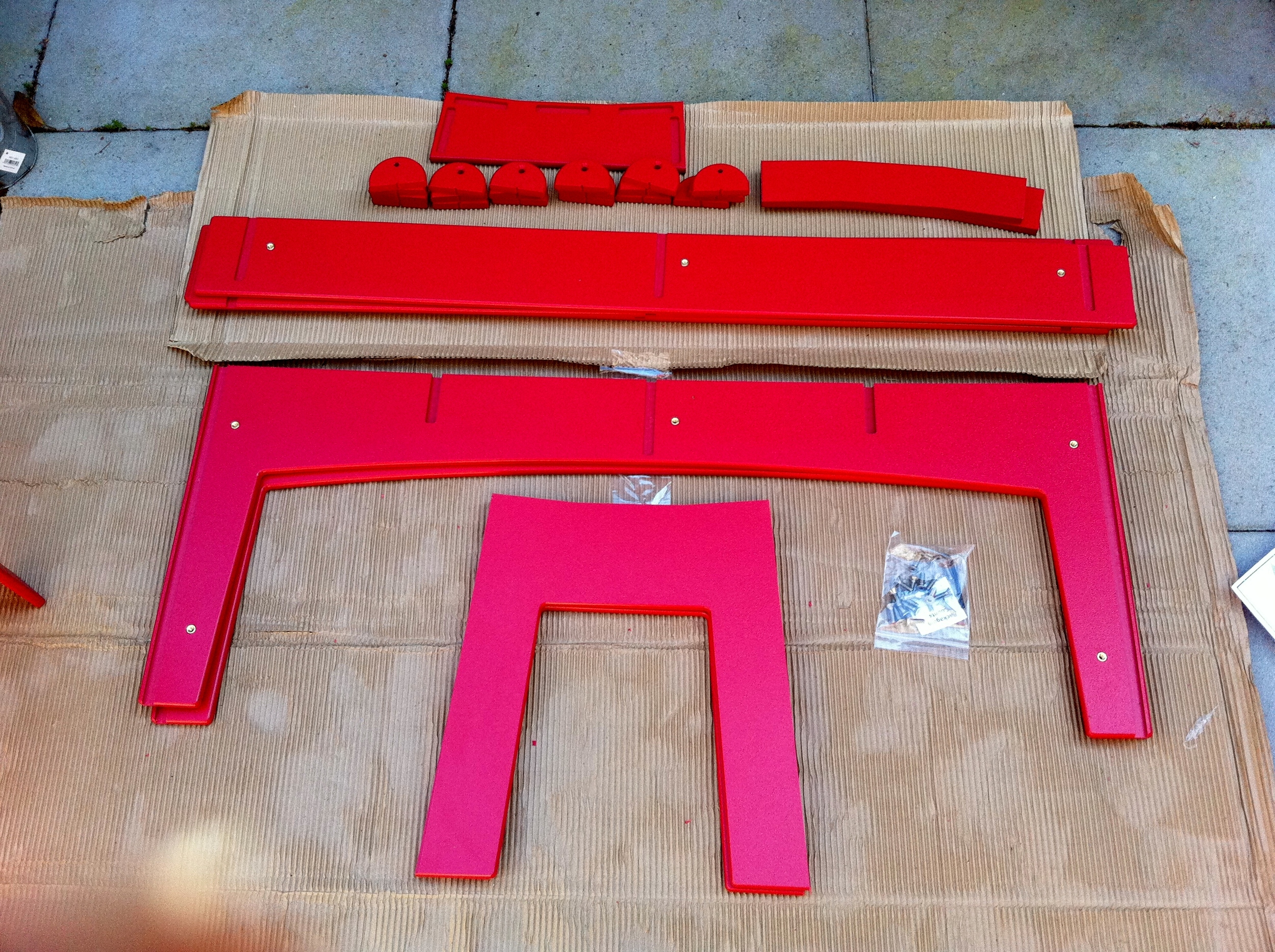
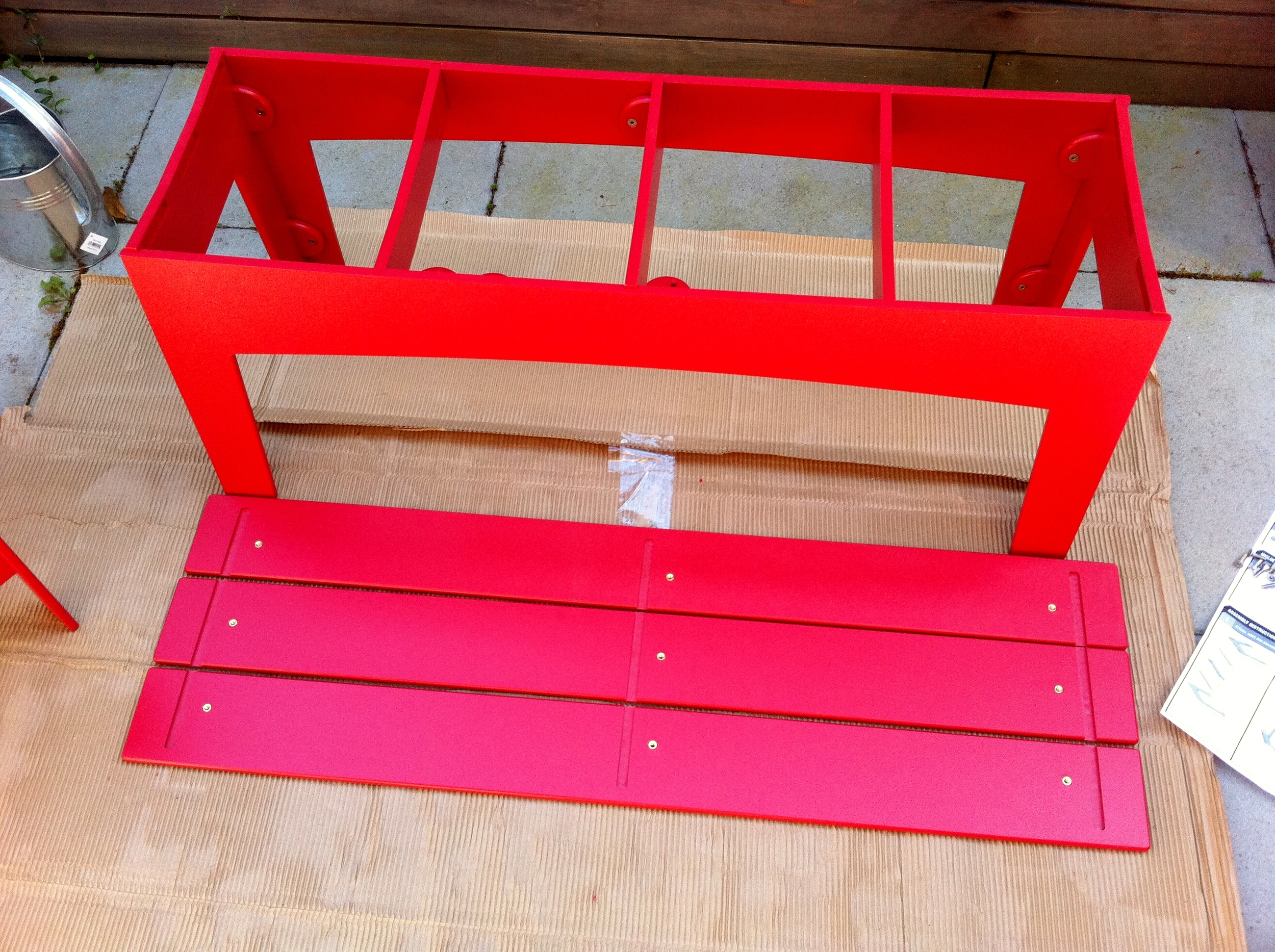
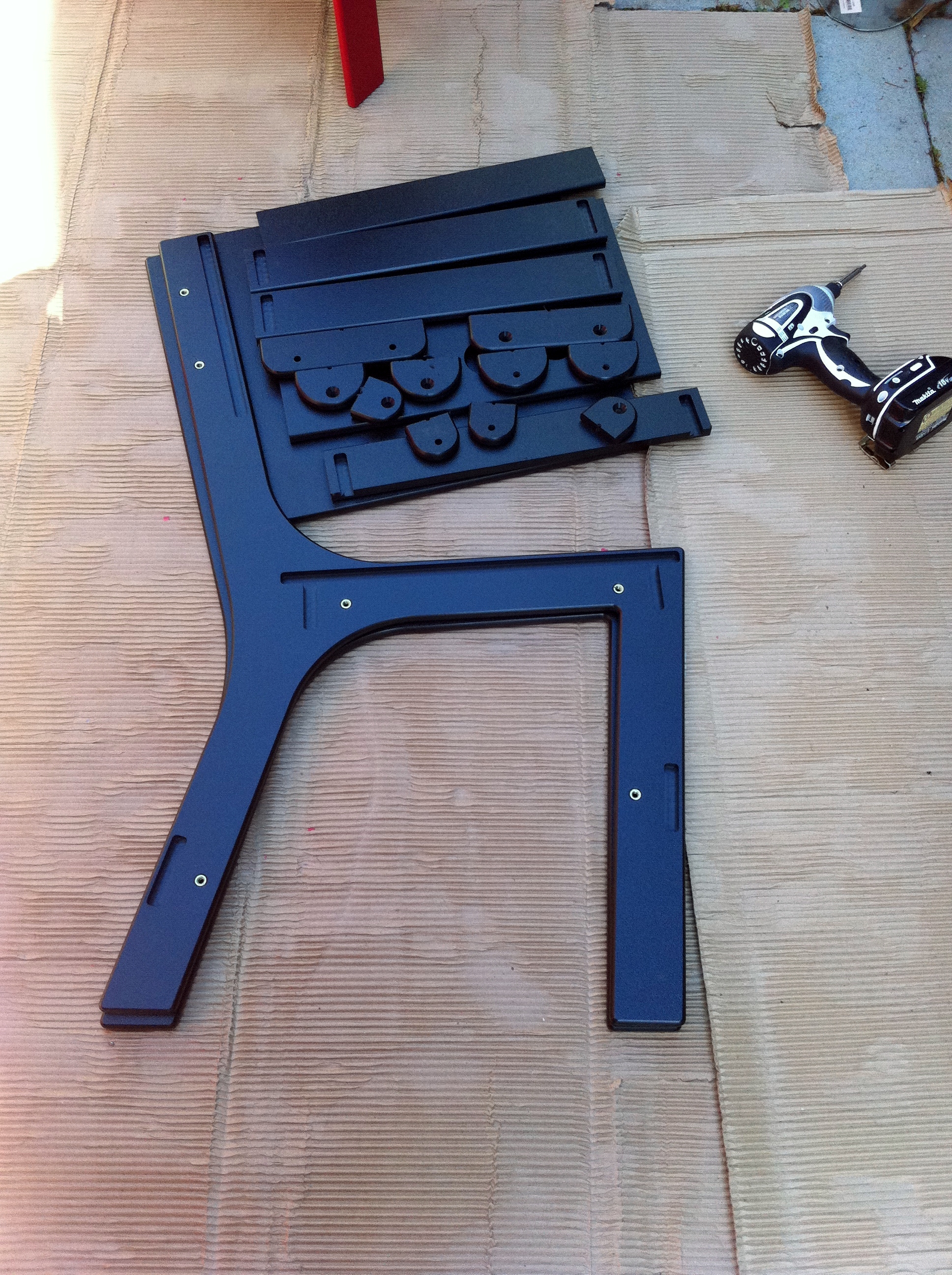
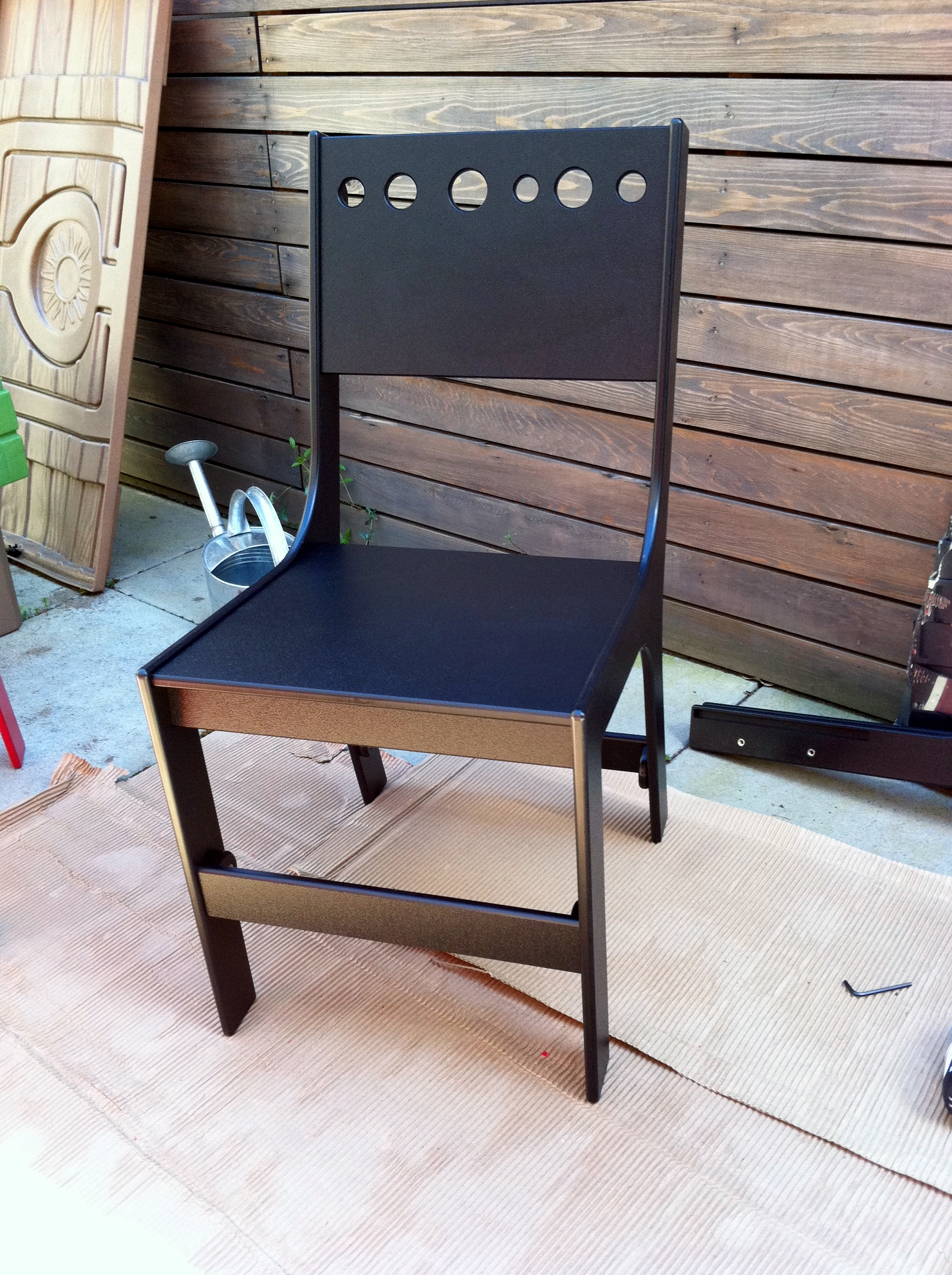
Last week we received our furniture, and I had a real blast putting it together. It's during that process that I really appreciated the quality and workmanship of the product. It was also a bit like assembling legos, which I love to do, so I enjoyed my 4 or so hours outside getting the pieces all together.

I took a lot of pictures along the way which you can see below.

Interestingly enough, Loll DESIGNS sister company is Epicurean Cutting Surfaces another example of a product I love. We have a number of their cutting boards in our kitchen.

In the future I plan on getting some lawn chairs and planters as well as some kids furniture.

AmazonTote looks very promising

Amazontote

Amazon quietly started testing a new delivery service in my neighborhood called AmazonTote. The idea is that you have 1 pre-set delivery day (two if you are Amazon Prime) and anything you purchase up till a certain time and day of the week gets delivered using their Tote program. The AmazonFresh subsidiary of Amazon is actually doing the delivery. Delivery is free, there is no minimum order, and your items are delivered to your doorstep in a re-usable tote.

I like this idea a lot. I'm already an Amazon Prime member, and we use AmazonFresh each week (we have automatic delivery of our groceries) but one thing that's always bothered me about Amazon is that if you order a couple of items you typically get a few boxes. I really don't care much when I get my packages, just that it happens in a reasonable amount of time, and a time I can plan for.

Since AmazonTote gives me two delivery windows, I can basically collect the stuff I need in a shopping cart, and then all have it ordered and delivered at once. I like that concept a lot, and less resources / waste is generated with shipping multiple boxes, packaging materials and UPS / FedEx trucks delivering it. And i don't have to break down boxes.

We're expecting our new baby any day now, and so I just used this service to get a number of necessary baby items (bottles and such) that AmazonFresh doesn't carry.

I think they are really on to something here... and I really love that I live in a neighborhood that has both AmazonFresh and now AmazonTote. AmazonFresh has pretty much changed the way our family gets groceries and saved us countless hours each week.

Living in Amazon's back yard does have some perks.

Safely signing in on a computer that's not yours

One of the big problems with the proliferation of spyware and bots is that using a computer that has not been in your possession or control 100% of the time could result in bad things happening when you log into a website. Basically your password can get stolen and your account hijacked. If it’s your email or Facebook account that this happens to, a lot of really unfortunate things can happen to your data, and your friends can get spammed.

This is why I never use anyone else’s computers but my own, and I insist on taking my iPhone and laptop with me when I travel and using either Wifi or International data to get my email, log into Facebook etc. However there are cases where you need to get to your email account from a computer that’s not yours (like a hotel to print out a boarding pass, get important documents in your email etc). For this reason, the folks that work on Windows Live ID built a single-use code login feature.

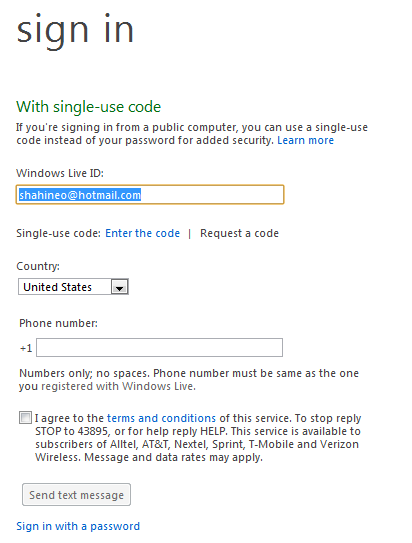
The way this feature works is that when you type in www.live.com or www.hotmail.com there is an option to Sign in with a Single-use code.

Image001

Selecting that option will send an SMS message to a mobile phone number with a numeric code that you can then use to log in.

Image002

This feature requires that you previously registered this code with Windows Live, which you can do at http://sms.live.com

Here is what the SMS message looks like.

Image005

I hope more services add these really useful safety features.

Photo Fuse is an amazing innovation

One of the best new features in the new Windows Live Essentials beta is a feature called Photo Fuse.

Question: How many times did you take a bunch of pictures of people only to find that not everyone had their eyes open or were looking at that camera in a single shot? Rather you had to pick the best shot from a bunch of imperfect shots?

Answer: For me, this happens a ton, and when you have a toddler, it happens a lot more.

Well, to solve this problem, the fine folks who work on Windows Live Photo Gallery created a feature called Photo Fuse to fix this. To illustrate how cool this is I’ve got an example below where my family was at a Mariner’s game.

In picture one, my daughter is not looking at the camera.

Image002

However, in picture two she is.

Image004

But I like the my smile from picture one. What to do?

Select both photos in Windows Live Photo Gallery and from the Create menu select Photo Fuse, and then pick what you want from the selected photos.

Image009

And here is the final result.

Image010

Just another innovation from Windows Live…

Get the Essentials beta here.

SkyDrive Photos in Messenger for the iPhone

Now that we’ve released the new version of SkyDrive (and soon Hotmail) I’ve shifted a lot of my photo sharing activities there. There are a few reasons for this. The first is a new feature coming soon to Hotmail called Photomail. It’s simply hands down the easiest and best way to share photos with friends and family. The emails are beautiful, and are backed by an even better web backed album with a kick ass slide show and wonderful commenting system.

But it gets better if you use our Windows Live Messenger app for the iPhone. The Photo experience is actually one of the best kept secrets in that app. Below are some screen shots of an album I created on SkyDrive of our recent trip to Legoland (side note, if you have a toddler, Legoland is probably one of the best theme park experiences you can get).

Here is a screen shot of the album on the iPhone:

Image001

You can use your fingers to pinch an zoom the photos and the layout is dynamically modified. Very slick.

In the photo below I click the comment bubble:

Image002

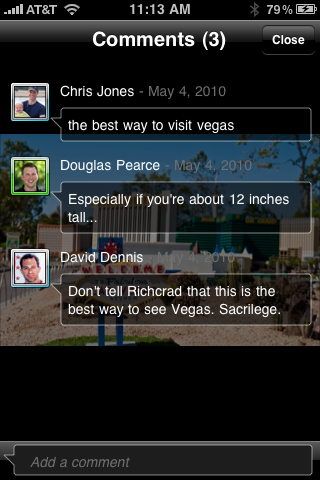
And my favorite feature is now comments are presented. Unlike the Facebook app the Messenger app does this in a super unobtrusive way.

Image003

I love the polish here.